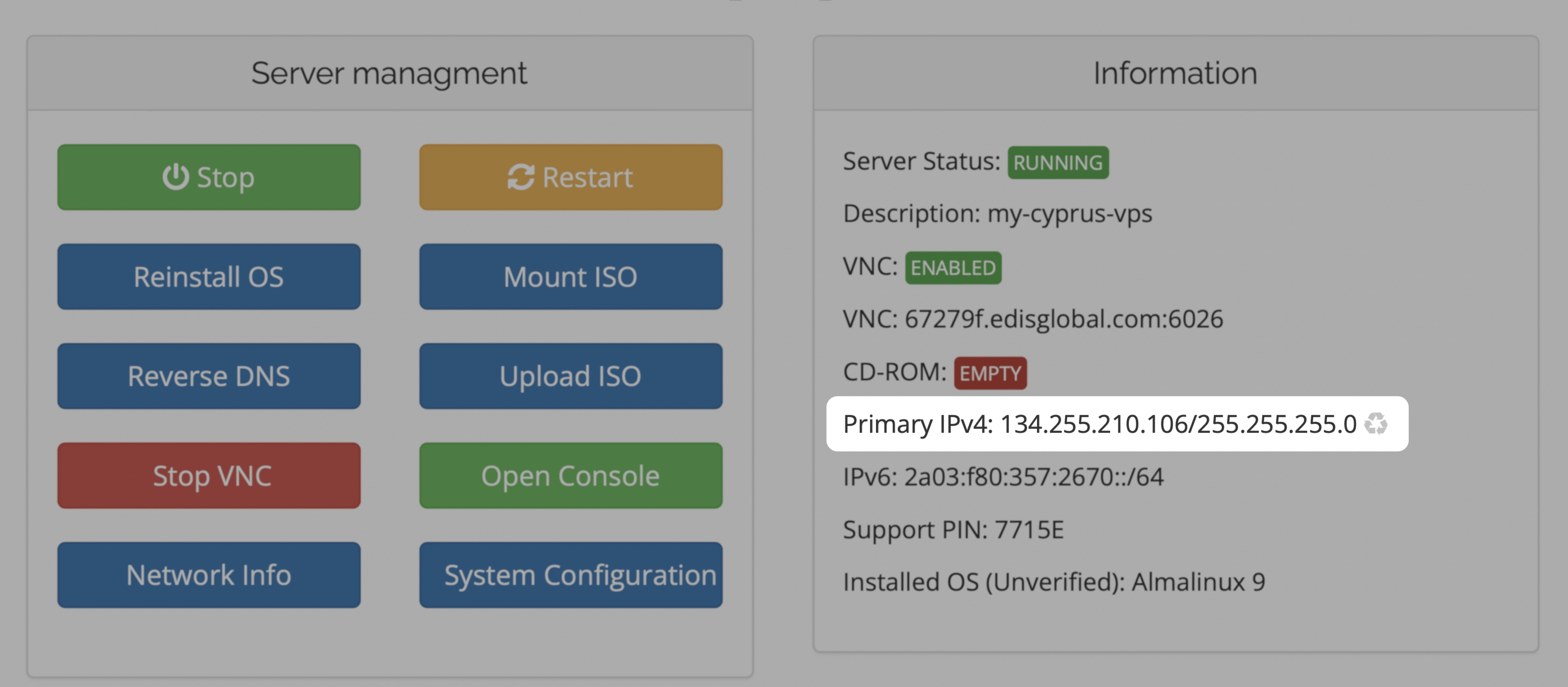
Click the ♻️ recycle icon next to your current IP to request the change.
Note: After the IP change, you will need to reinstall your system or manually configure the new IP using VNC. Once the new IP is activated, your old IP stops working immediately.
Please note: The free IP change applies only to your primary IPv4 address. If you need to change any additional IPv4 addresses, you can do so using our paid Standard or Bespoke IP Change services.
Important: Once the new IP is assigned, the old IP immediately stops working. You must activate the new IP by either:• Reinstalling your VPS, or • Manually configuring it using VNC